1. Start from the room, not the picture
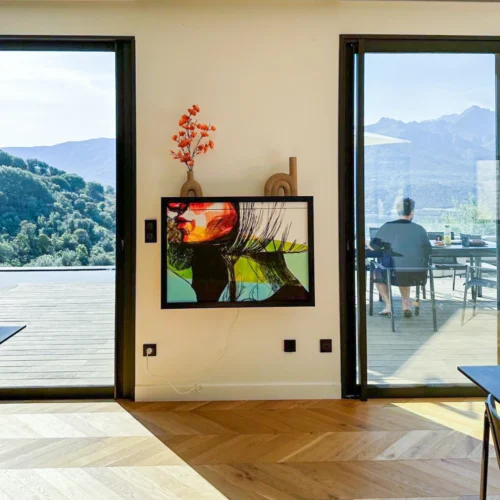
The artwork will be part of your room every day, so look around it first: wall color, furniture, floor and light. Choose a design that complements those colors rather than competing with them. Factor in the desk finish too: Light Oak and Dark Walnut pair well with warm, natural tones, while Matte Black and Pure White make black-and-white photos and minimal designs stand out.
2. Think landscape
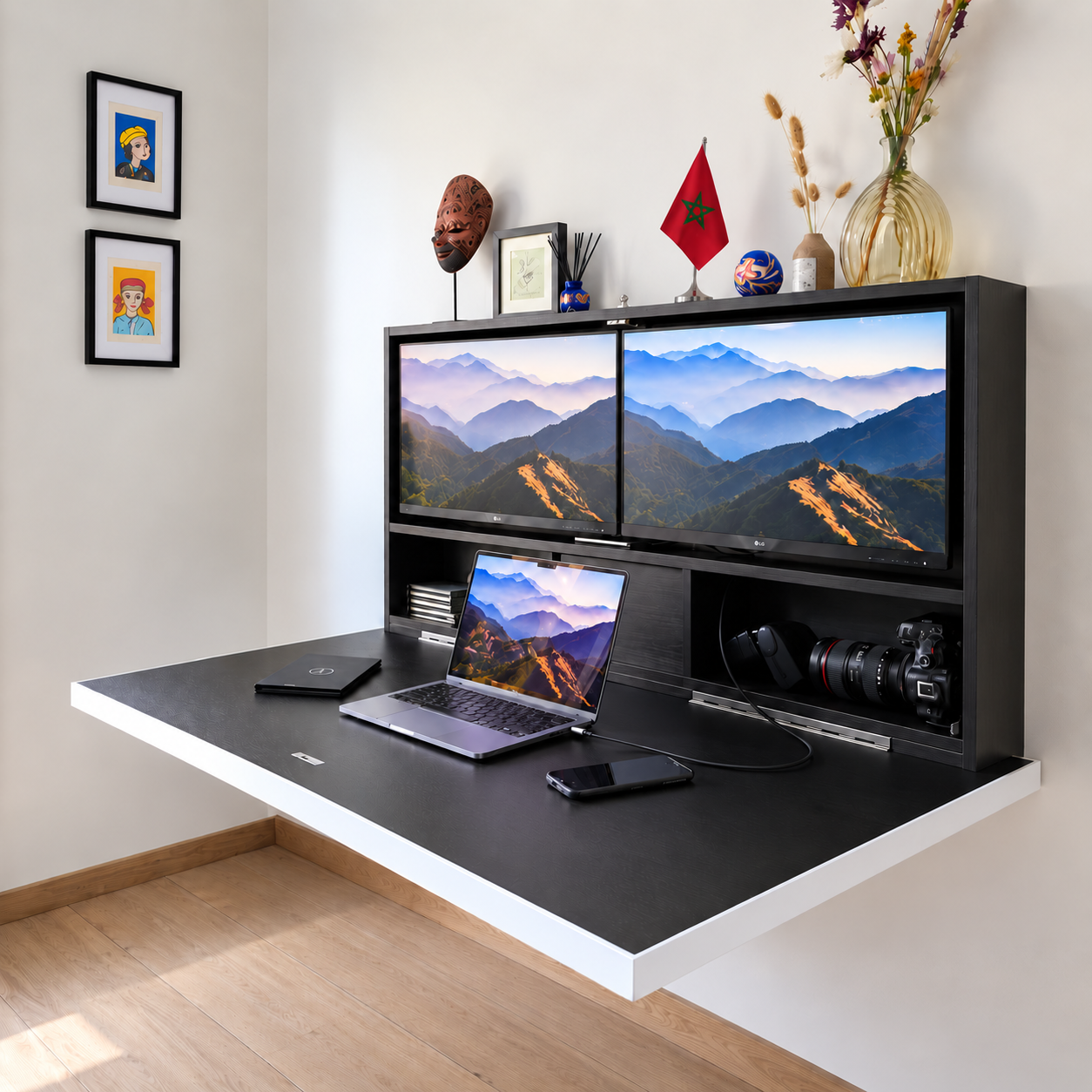
The front of the closed desk is wider than it is tall: about 82.2 × 67 cm on the Basic and 121 × 67 cm on the Duo (W × H). Pick an image that works in a wide frame. Landscapes and panoramic shots suit the Duo especially well, while portrait photos, like most phone pictures of people, usually need heavy cropping.
3. Calm beats busy
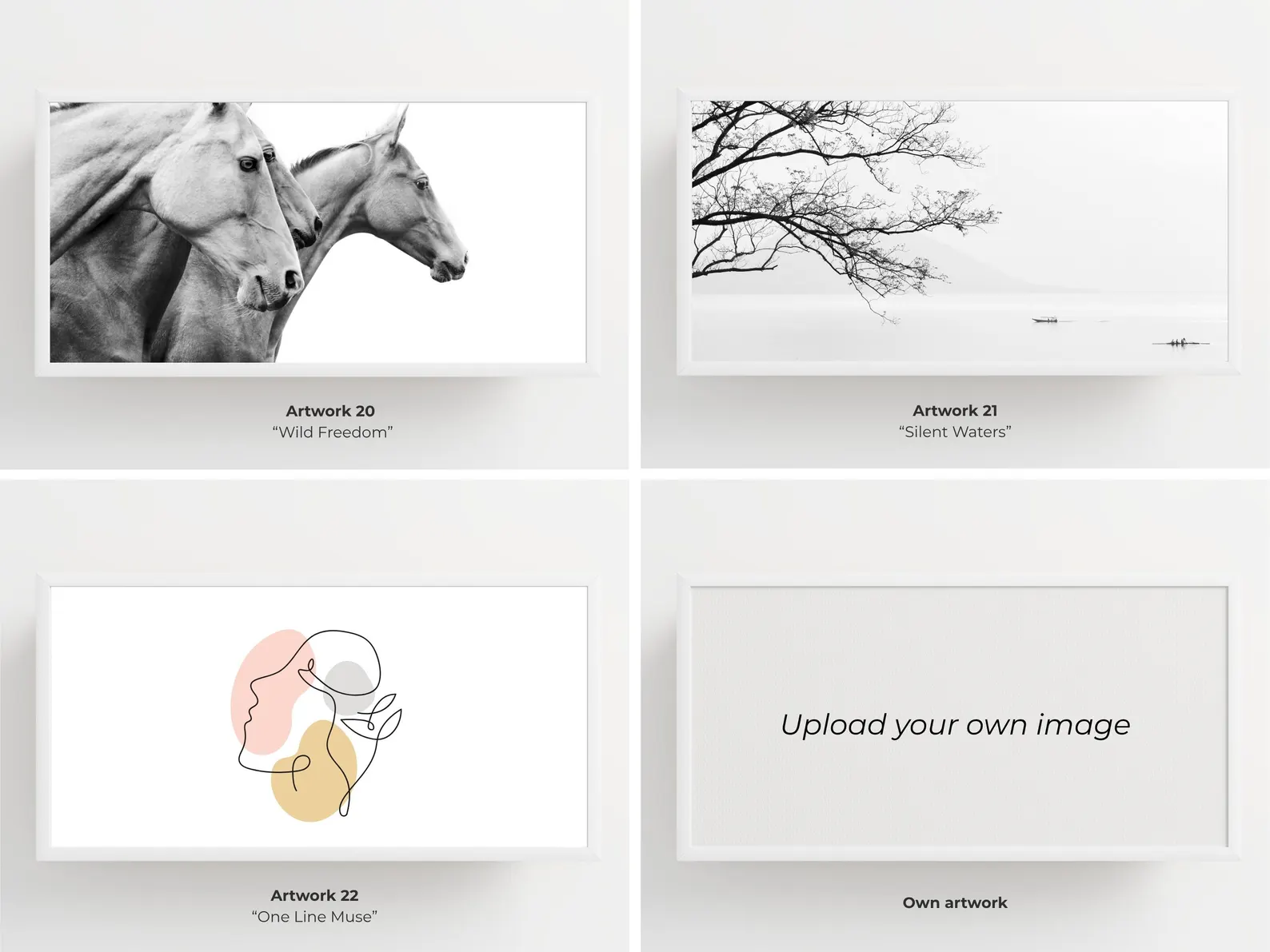
On a large surface, the best designs are often the simplest: one strong subject with space around it. Look at the examples above: black-and-white horses, branches over still water, a one-line drawing. Images packed with small details or text can look cluttered on a wall, especially in a small room.
4. Keep the subject away from the edges
Leave some room around the most important part of the image (a face, an animal, a tree) so it isn't cut off when the design is fitted to the front. If your photo is tightly framed around the subject, we'll go over the placement with you before production.
5. Sending your own photo? Quality first
- Send the original file, not a screenshot or a picture saved from social media.
- On WhatsApp, send the photo as a document so it isn't compressed.
- Bigger is better: ideally 3,000 pixels wide or more.
- Avoid blurry or very dark photos; flaws show more once the image is enlarged.
- Use photos you took yourself or have the right to use.
6. Choose something you'll love for years
You'll see it every day. Calm, timeless designs (nature, line art, black and white) age well and survive a change of decor. A family photo or a shot of your favorite city makes the desk truly yours. There's no wrong answer, as long as it feels like you.
How to order your design
- In the configurator, step 1, choose Custom Design under "Tableau Design".
- Describe what you have in mind in the text box: a family photo, a landscape, specific colors…
- Complete your order. We'll confirm every detail with you on WhatsApp, where you can send your image.
In short: a landscape image, calm, high quality, in colors that suit your room and your desk finish.
Want a design that is all yours?
Choose Custom Design when you configure the DarDesk Duo or the DarDesk Basic, or message us to talk through your idea.